Export browser cookies in 13 formats, instantly
CookieXport gives developers, automation engineers, and security researchers full control over browser cookies — Netscape, JSON, cURL, Python, Playwright, Puppeteer and more. No servers, no telemetry, no nonsense.
Also installs on Brave, Edge, Opera, Vivaldi & other Chromium-based browsers
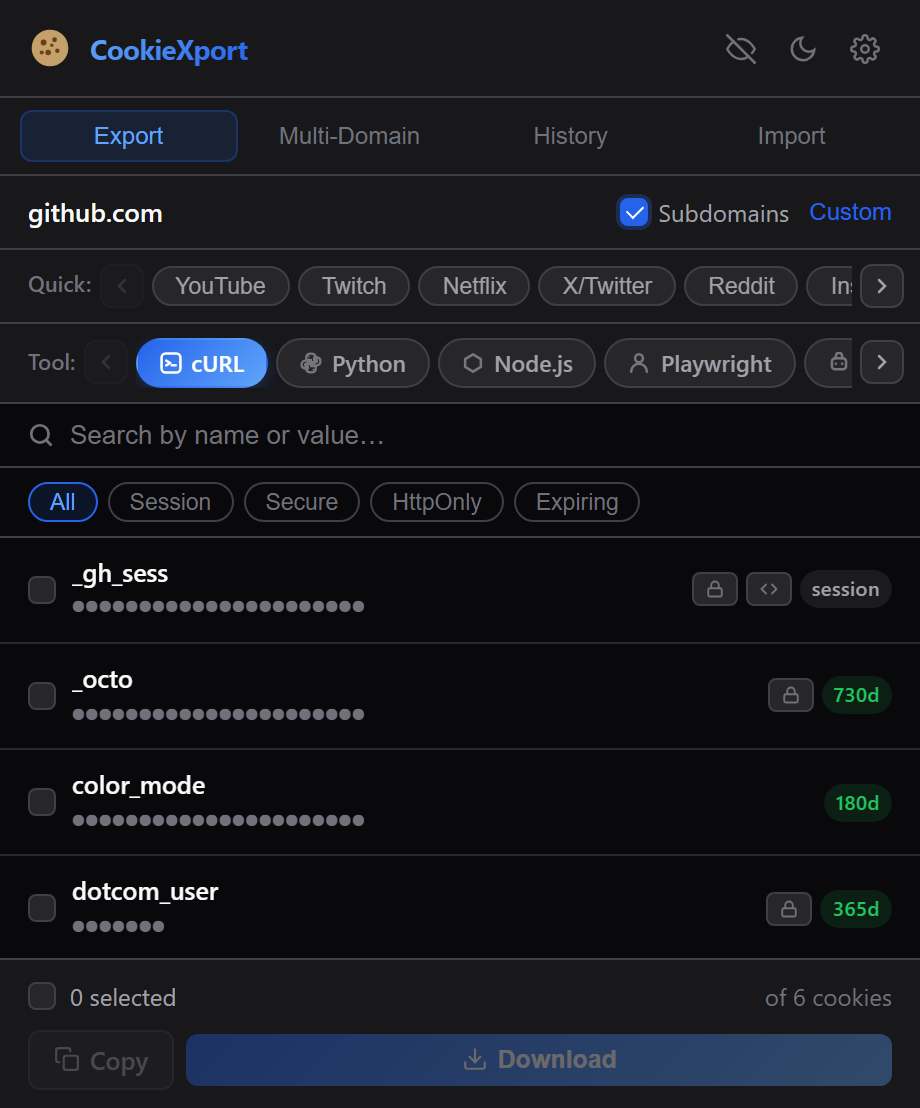
One click, 13 ready-to-use formats
Pick the format that fits your workflow — from a plain Netscape cookie jar to a fully-formed Playwright script.
Compatible with wget, curl and most CLI download tools.
Structured data with full cookie metadata.
Ready-to-paste command with a Cookie header.
Complete script with session setup.
Async-ready snippet for modern Node.
addCookies()-ready array.
setCookie()-ready array.
add_cookie() driver calls.
curl_setopt with a cookie string.
req.AddCookie() calls.
Standard HTTP Archive format.
Encoded for safe transport.
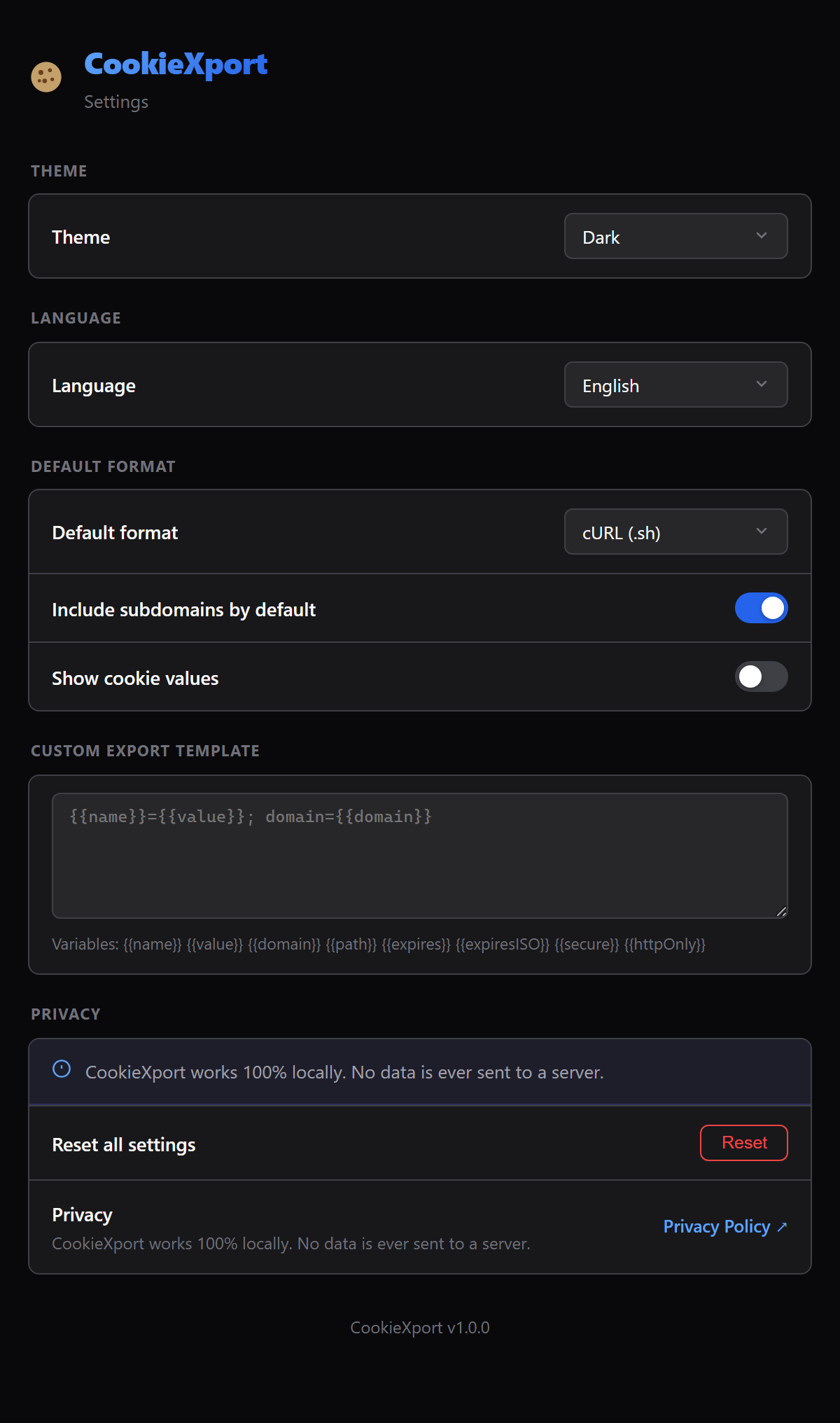
Your own format using {{name}}, {{value}} variables.
Copy exactly what you need
Every export is generated instantly in your browser — pick a tab to preview the output.
curl 'https://example.com/api' \
  -H 'Cookie: session_id=a1b2c3; theme=dark; auth_token=xyz789'
import requests
session = requests.Session()
session.cookies.update({
"session_id": "a1b2c3",
"theme": "dark",
"auth_token": "xyz789",
})
response = session.get("https://example.com/api")await context.addCookies([
{ name: "session_id", value: "a1b2c3", domain: ".example.com", path: "/" },
{ name: "theme", value: "dark", domain: ".example.com", path: "/" }
]);[
{
"name": "session_id",
"value": "a1b2c3",
"domain": ".example.com",
"secure": true,
"httpOnly": true
}
]Built for developers who live in DevTools
Every feature is designed to save you a trip to the terminal.
Instant domain detection
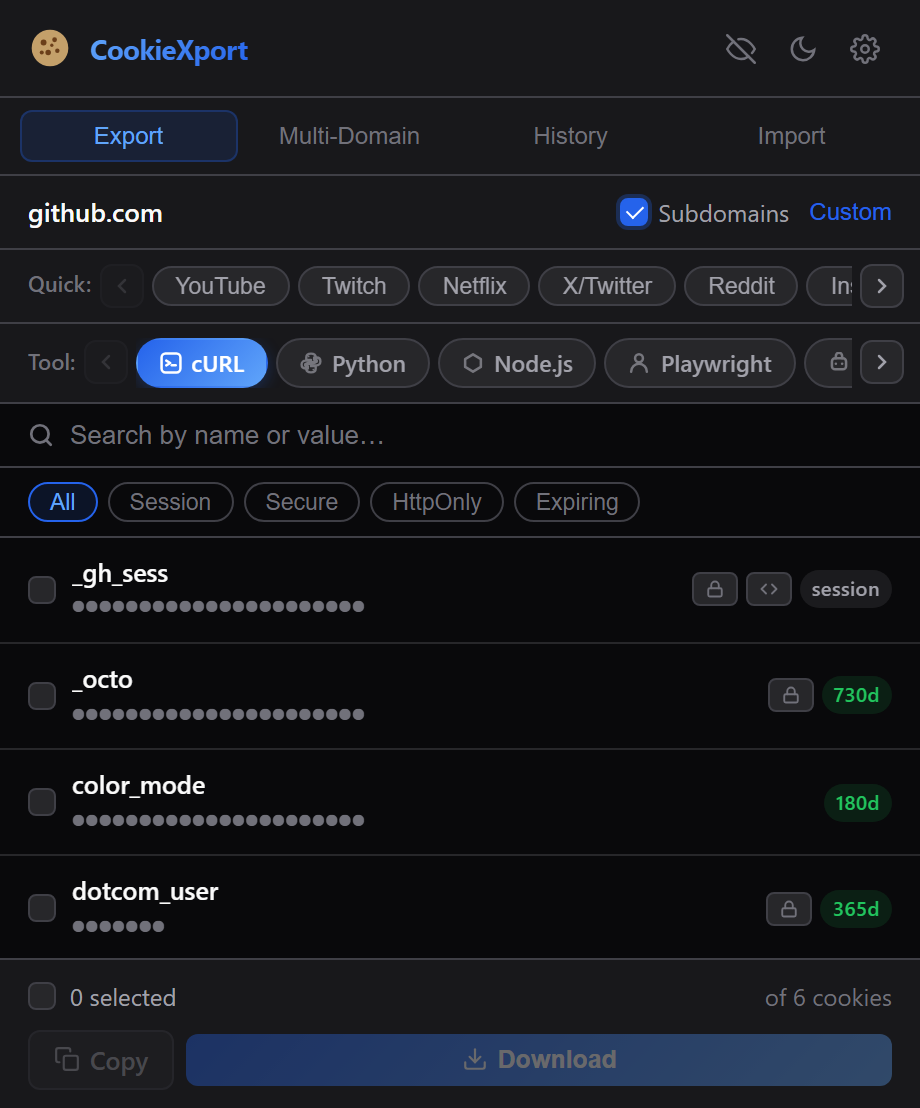
Automatically reads the active tab's domain — no copy-pasting URLs.
Quick presets
YouTube, Netflix, Twitter, GitHub, Discord & 17 more, one click away.
Smart filters
Filter by Secure, HttpOnly, Session, or cookies expiring soon.
Full-text search
Search across cookie names and values in real time.
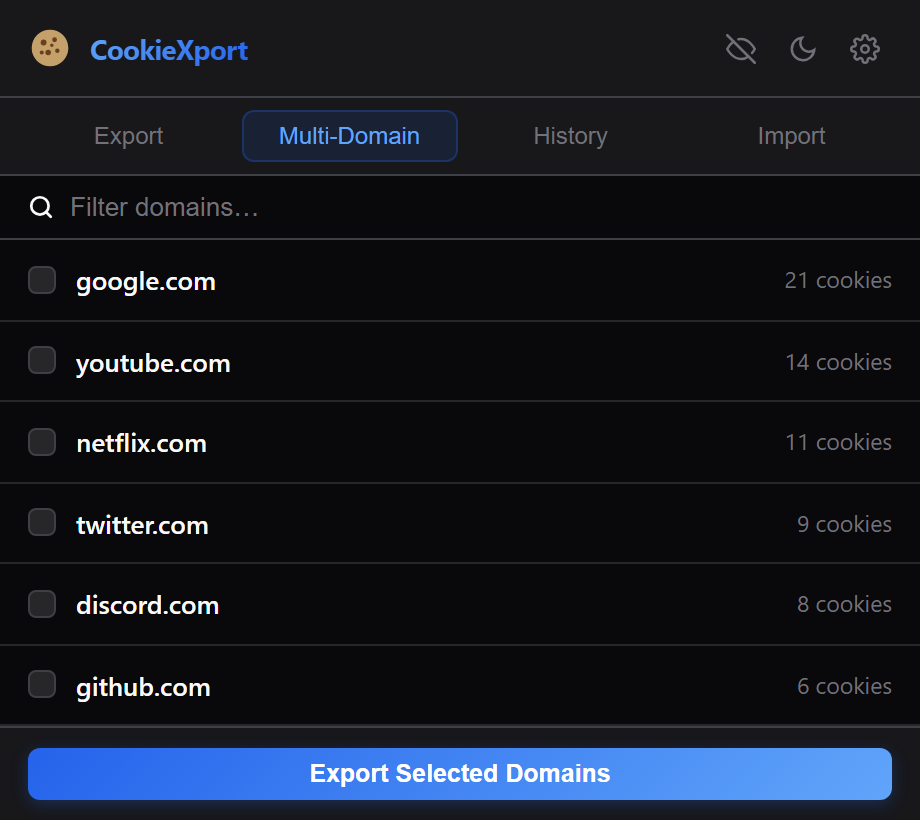
Multi-domain export
Select and export cookies from multiple domains at once.
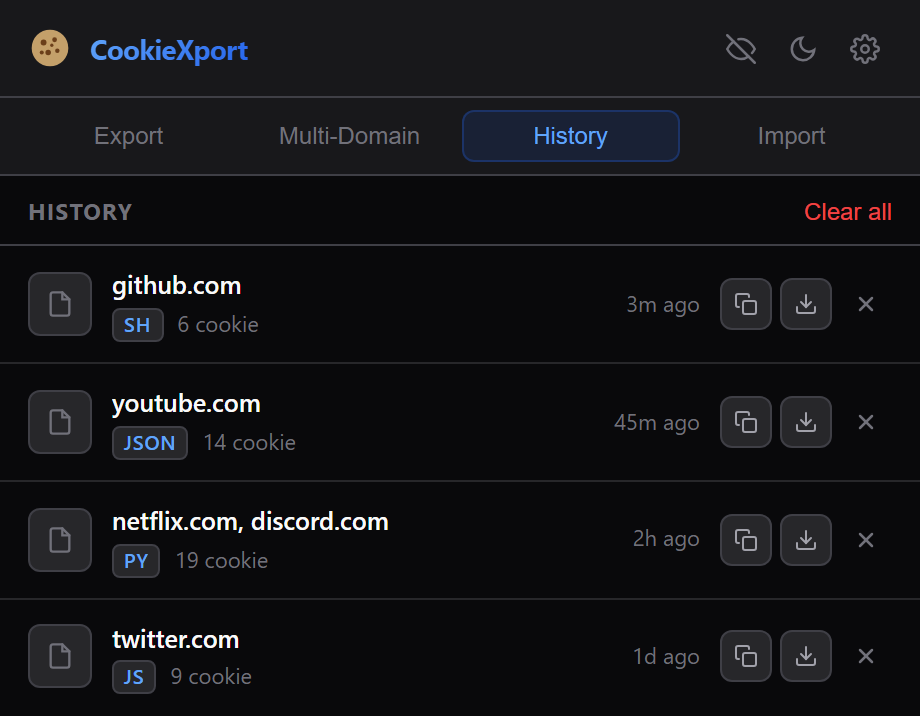
Export history
Every export is saved locally — re-download or copy it anytime.
Import cookies
Load cookies back in from a .txt or .json file.
Light & dark theme
Auto-detects your system theme, or switch manually.
10 languages
Full UI translations, including Turkish, German, French, Japanese & more.
A clean, focused interface
No clutter — just the tools you need, right in the toolbar.
Everything stays on your device
- No data is ever sent to an external server.
- No remote code — everything ships inside the extension package.
- No personally identifiable information is collected.
- No data is sold or shared with third parties.
- Cookies are only read/written at your explicit request.
Read the full Privacy Policy.
Why each permission is needed
| Permission | Why it's needed |
|---|---|
| cookies | Read cookies for the current domain to export them, and write cookies when you import a file. |
| tabs | Detect the active tab's domain so the right cookies are shown automatically. |
| downloads | Save exported cookie files directly to your Downloads folder. |
| storage | Remember your theme, language, and export preferences locally. |
| clipboardWrite | Copy formatted output (e.g. a cURL command) when you click "Copy". |
| contextMenus | Add a right-click shortcut to export cookies for the current site. |
| <all_urls> | Required by the Chrome cookies API to read cookies for whatever site you're on. |
Ready to take control of your cookies?
Free, open, and it never leaves your browser.
Add to Chrome — It's Free